






- Homepage
- Content search and Filter
- User Registration
- View Authors/Content Creators
- Content viewing and interactions
- User Profile
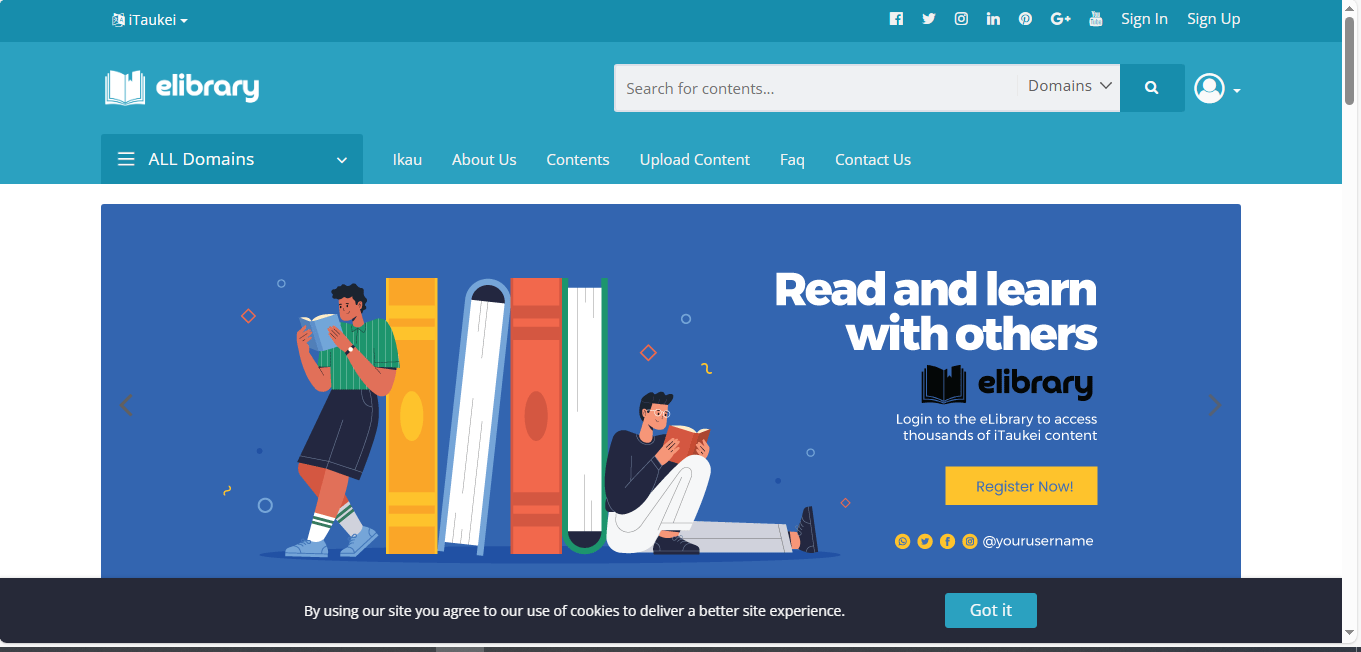
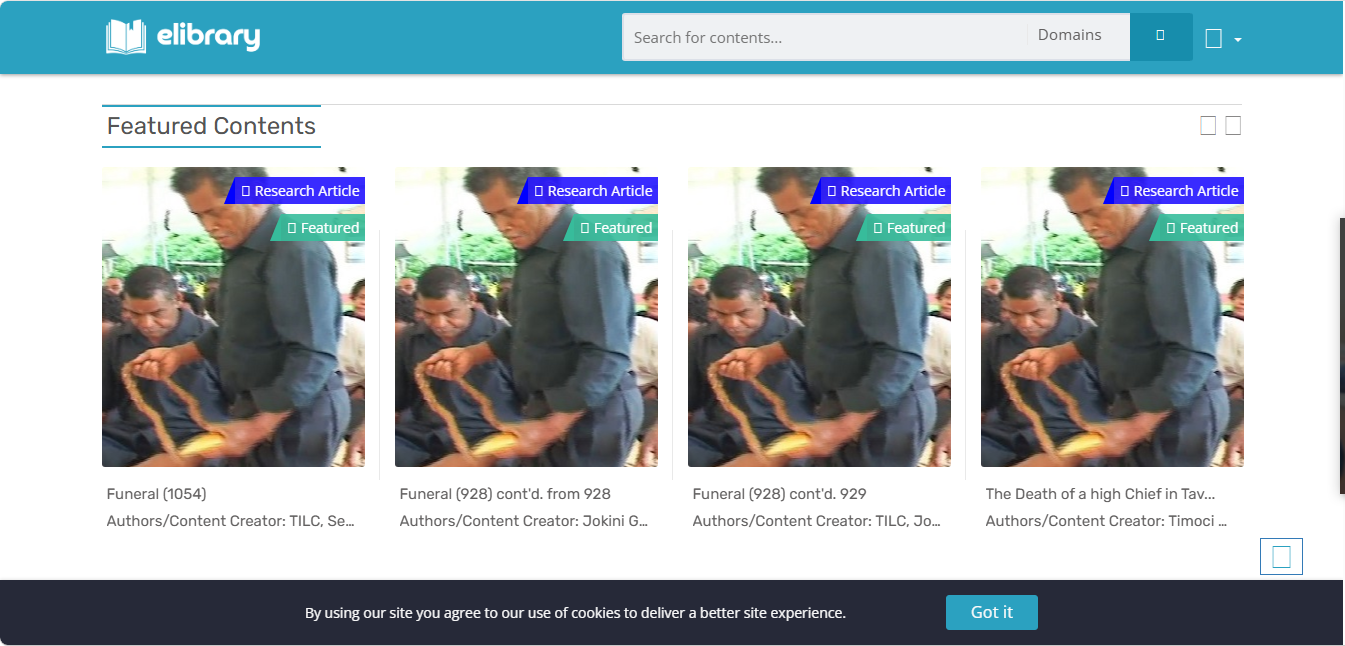
The Frontend Homepage gives an outline of the different online content available by the system. It shows some of the featured content, popular authors, popular domains, genres, and more.
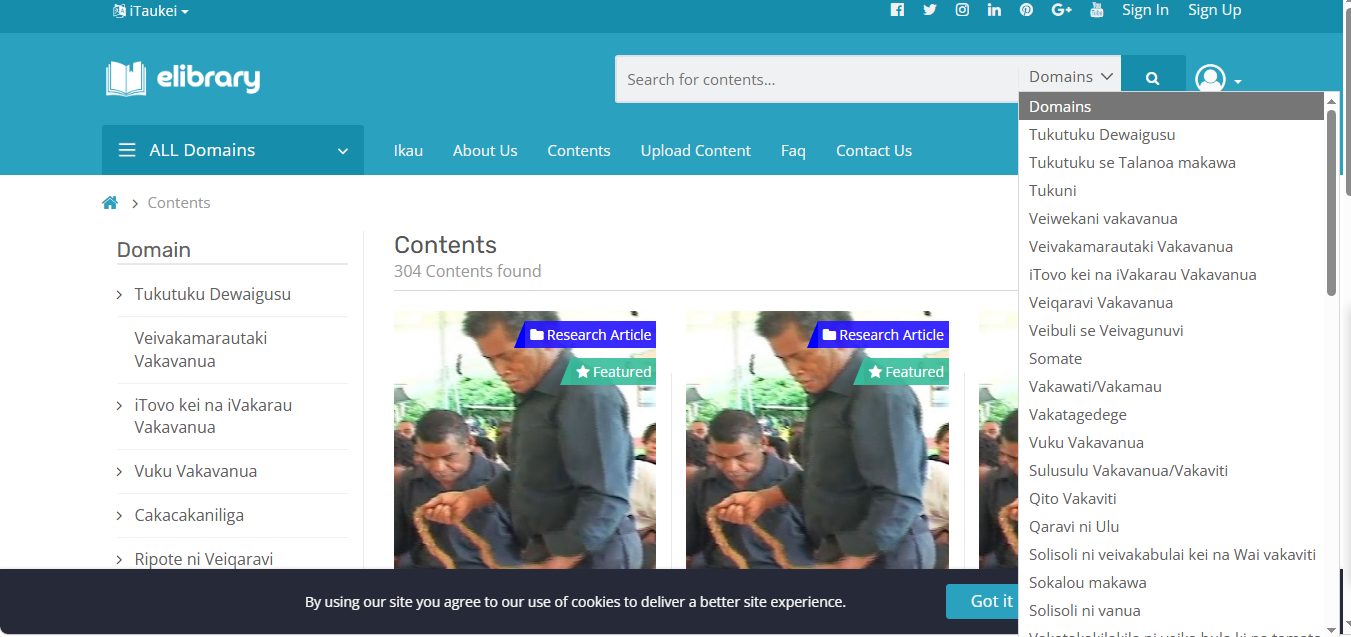
The frontend portal allows the users to search for content using the Search bar. It can also filter by the domain of the content.
Users can register and login to the eLibrary system. This allows the user to access more features, including able to create your own author/content creator, upload content, and save or favorite other content. Although your uploaded content may require verification by the admins by the backend.
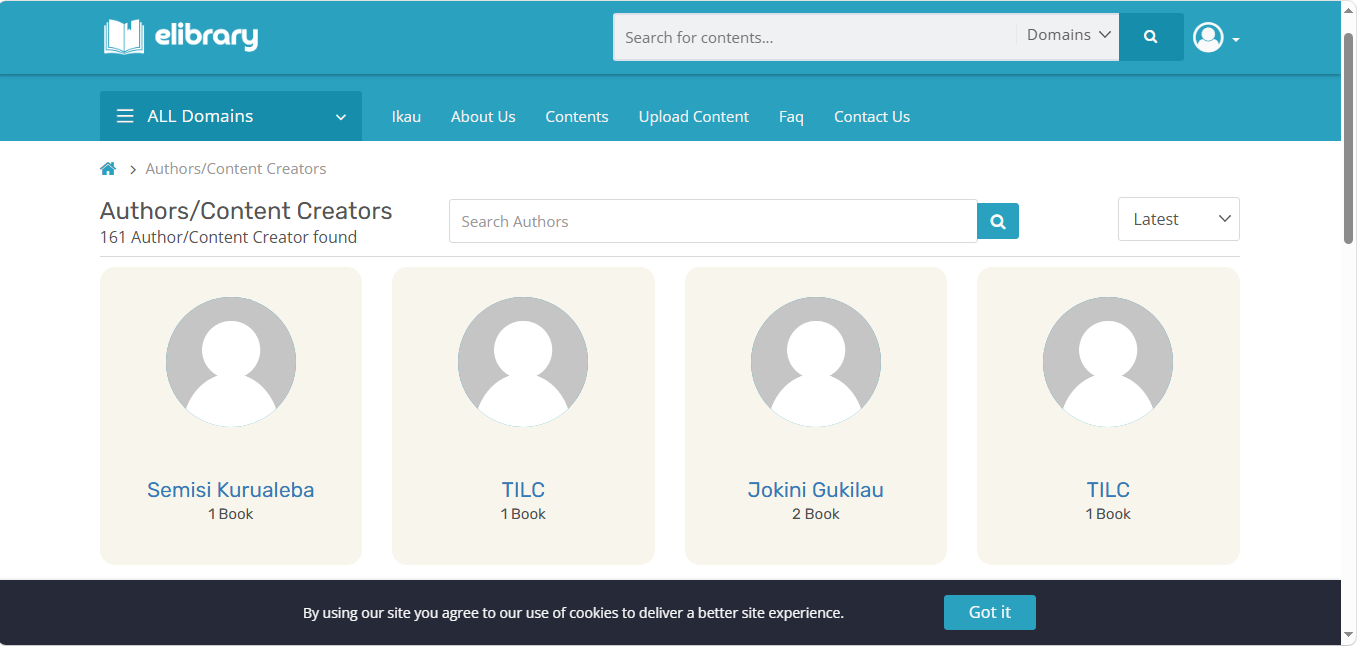
You can view the list of authors/content creators for all the content uploaded to the system. You can select an author to see all the content they have created. Note that the uploaders of content are not always the author/content creator.
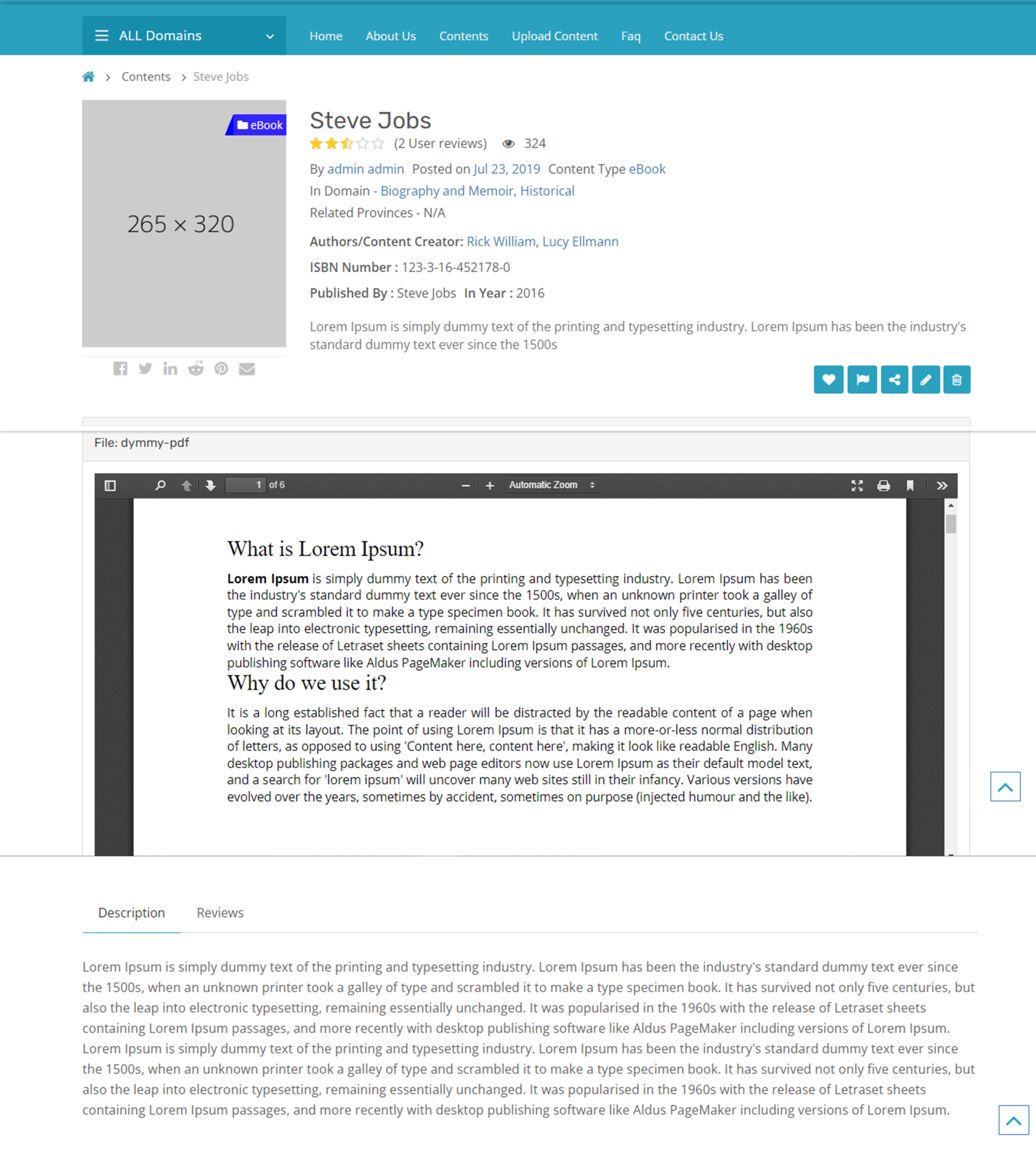
Frontend user can view everything about content. The view content page will show all the documents, video, audio, external links, and embedded code uploaded for the content. Additionally, you can favorite, review, reporting, sharing, etc. Some of these require you to login.
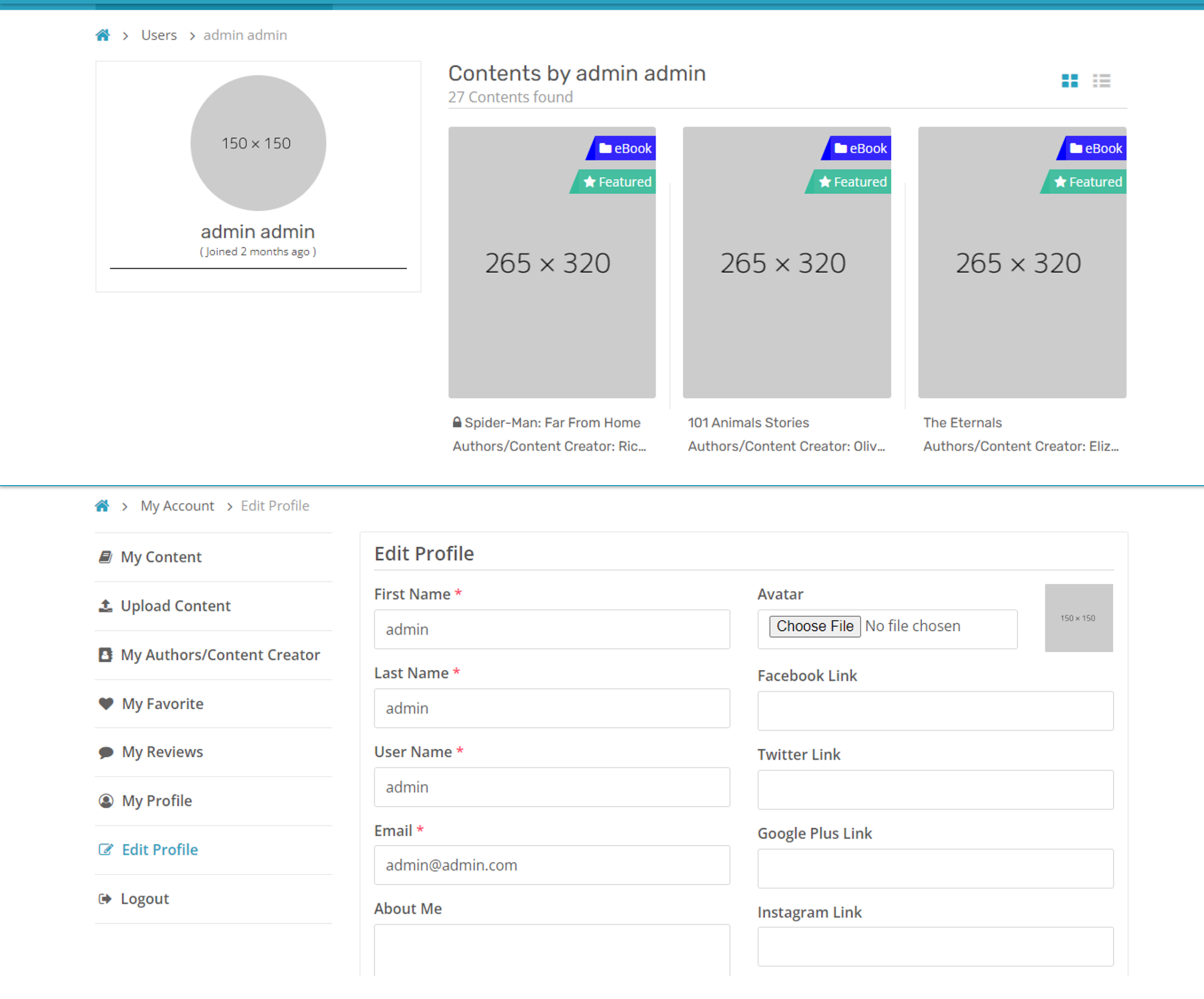
Front-end user can view their profiles. The profile page shows some of their details, information, and all the content they have uploaded. They can edit their profile information, edit their uploads and other relevant information. You can also view your favorites and reviews.
- Comprehensive Content Management
- Structured Metadata Management
- Progress Tracking
- Details Configuration
- User Tools
- Communication and Collaboration Tool
- Reporting and Analytics
- User and Role Management
- Settings and System Management
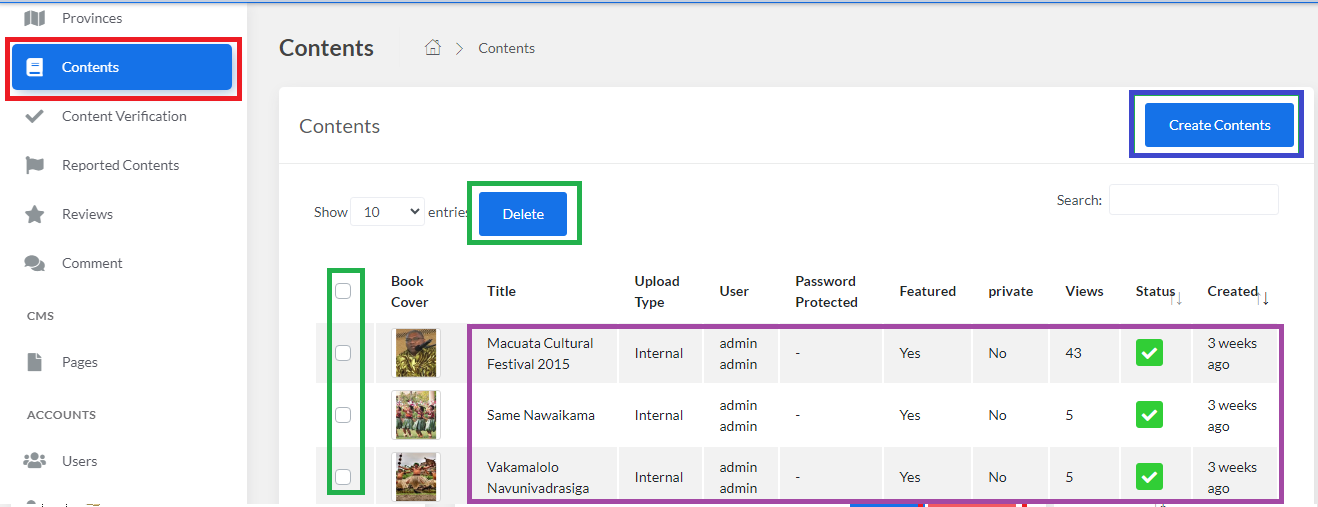
Store and present multiformat cultural assets like ebooks, PDFs, audio, video, images, and embedded media, with rich metadata and semantic taxonomies that make content easy to find and cite. Contributors and editors can upload, version, and preview files through a streamlined interface.
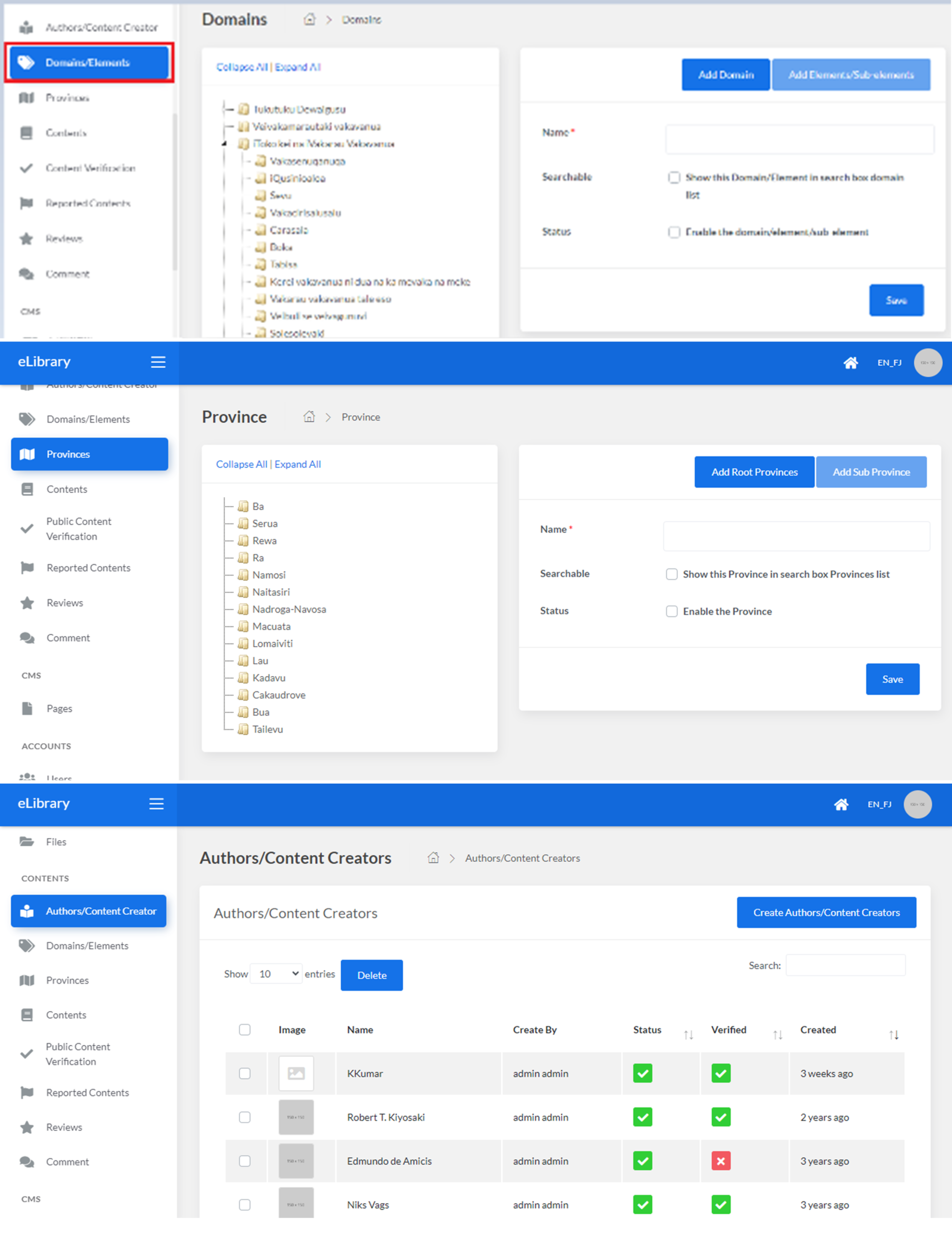
Organize collections using Domains, Elements, Provinces, and Author records so researchers and community members can filter and browse by culturally meaningful categories.
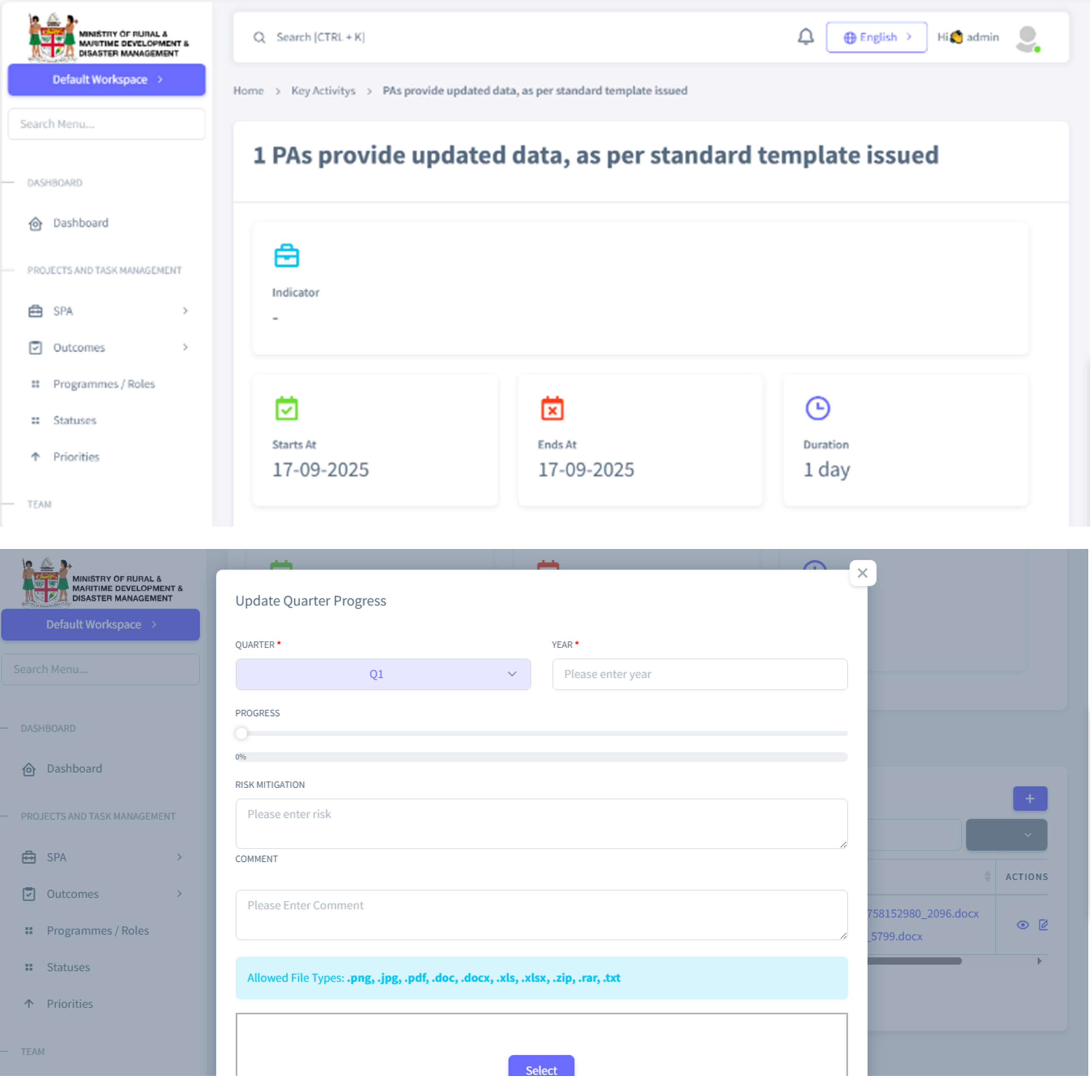
SPA and KPI progress are automatically computed from activity and quarterly updates.
There is also Approval workflows, where members can submit, approve, or request updates for quarterly progress with approver audit trails. Users can provide evidence of progress in the quarterly progress reports.
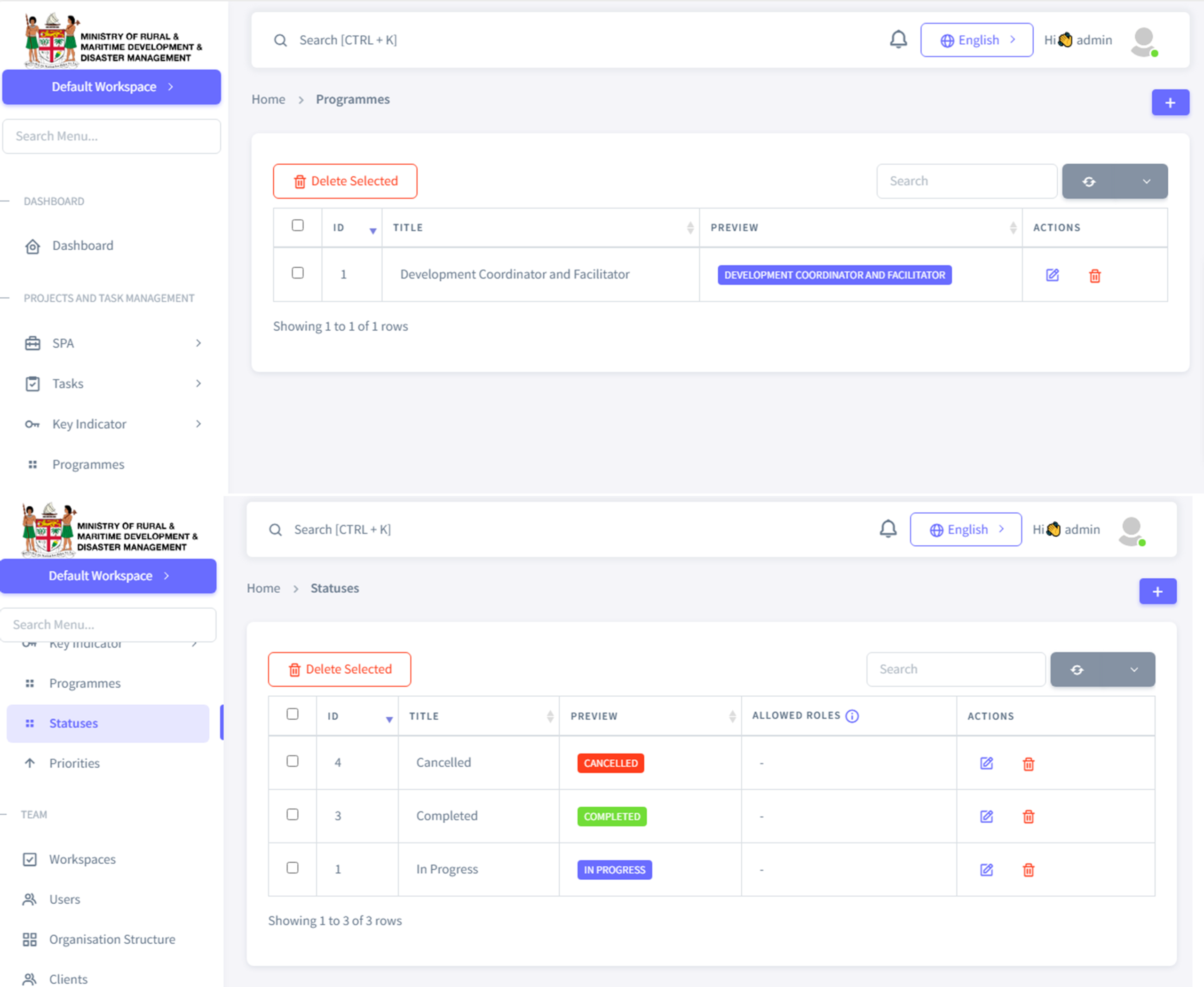
You can configure details like Programmes, Status, etc. In programme management and Status management, you can create, edit, and delete programme and status details respectively, which are used in the SPA. It is the same for Priority Management. The SPA and its various sections and sub-sections are assigned to different roles and departments. This section organizes these details into a hierarchy, which is crucial for the activities and indicators.
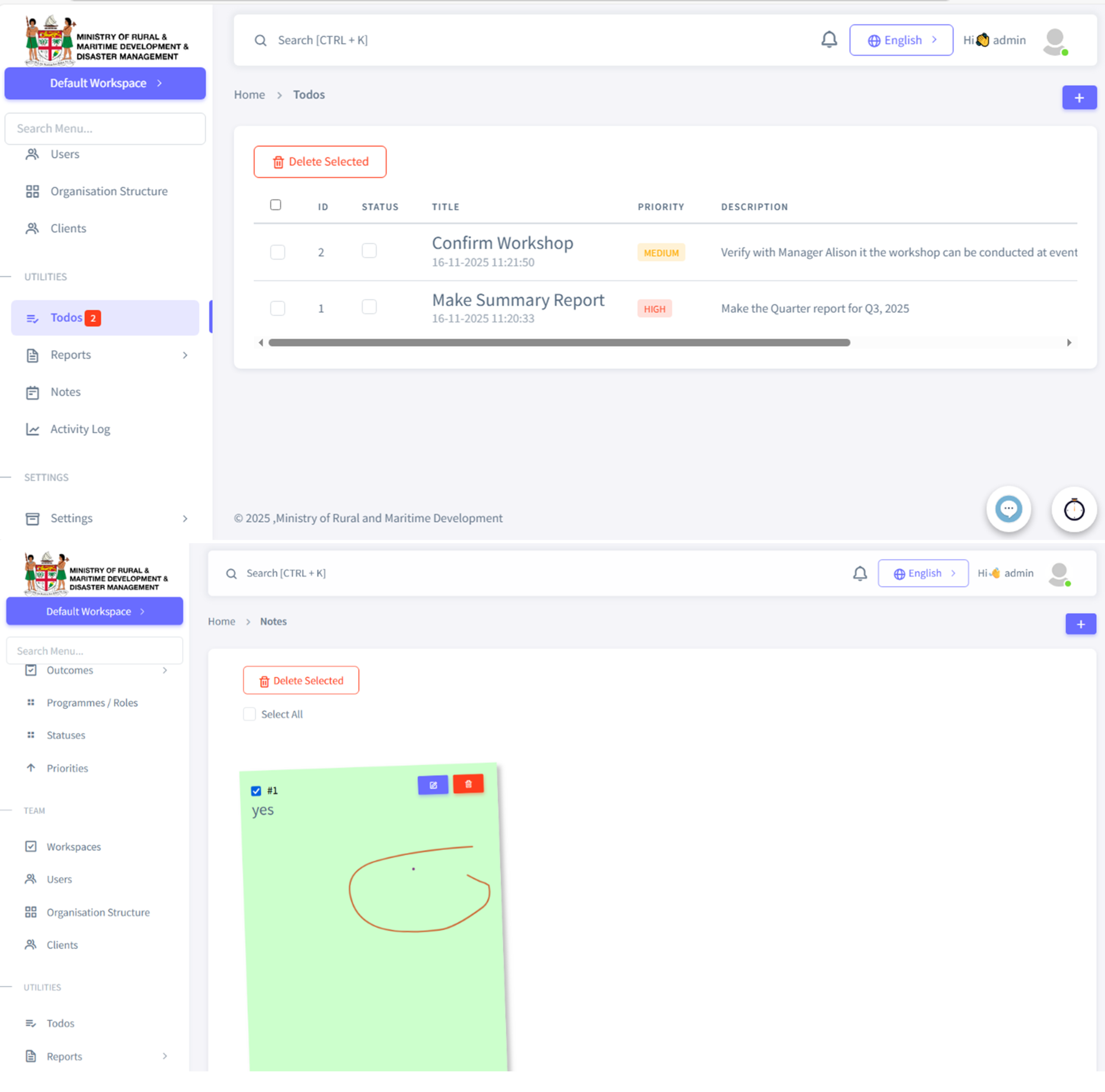
You can use Todo Management to create and manage the Todo list, which lists the activities that must be carried out. These to-dos are private to the user themselves as a reminder of their tasks to do. Additionally, Notes Management is where users can create, edit, and delete notes for themselves in the system.
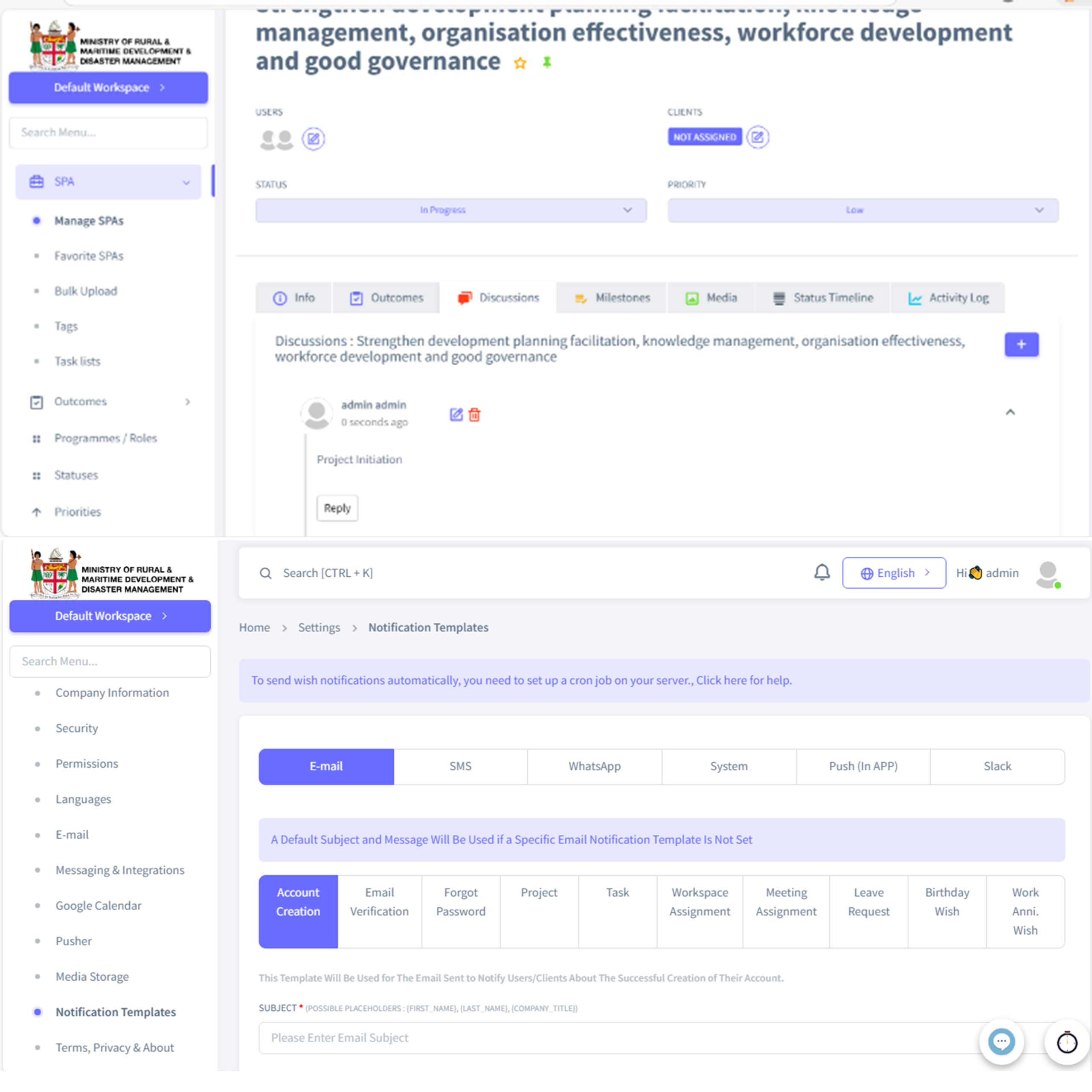
The Discussions Feature allows the user to manage, add, edit, and delete the discussions and comments in SPA, Outcomes, and Outputs. Admins can manage the Notifications and Alerts for deadlines, approvals, and critical events. You can create templates for the different types of notifications that can be sent by the system, such as email, SMS, and WhatsApp. You can integrate and sync with Google Calendar to plan and be notified for milestones and review meetings.
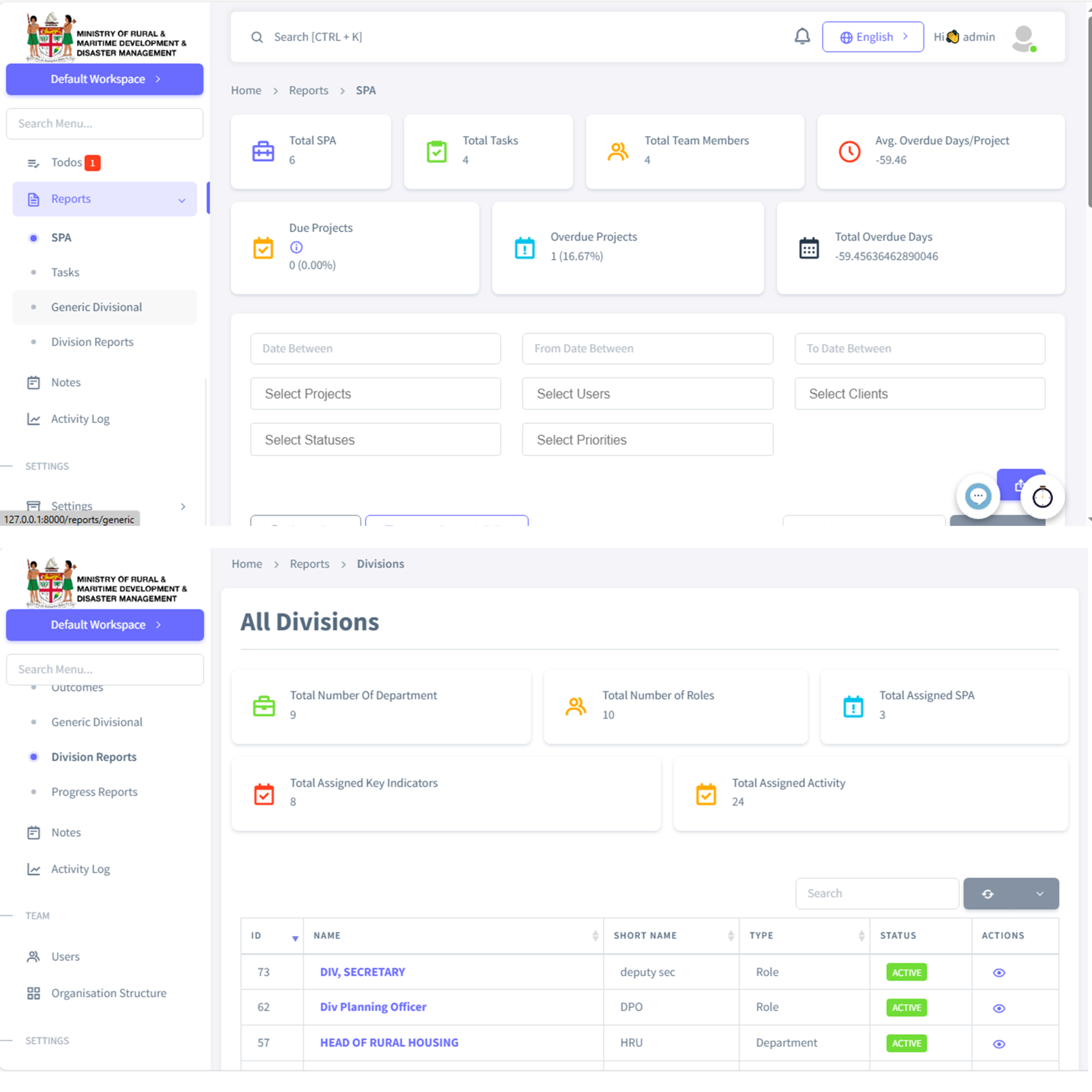
There is a section that provides various reports and analytics for the SPA and the various activities related to it. You can even filter and search for specific records if needed. It shows various details such as due date, member assigned, clients, etc. The reports are divided into separate pages for a cleaner view.
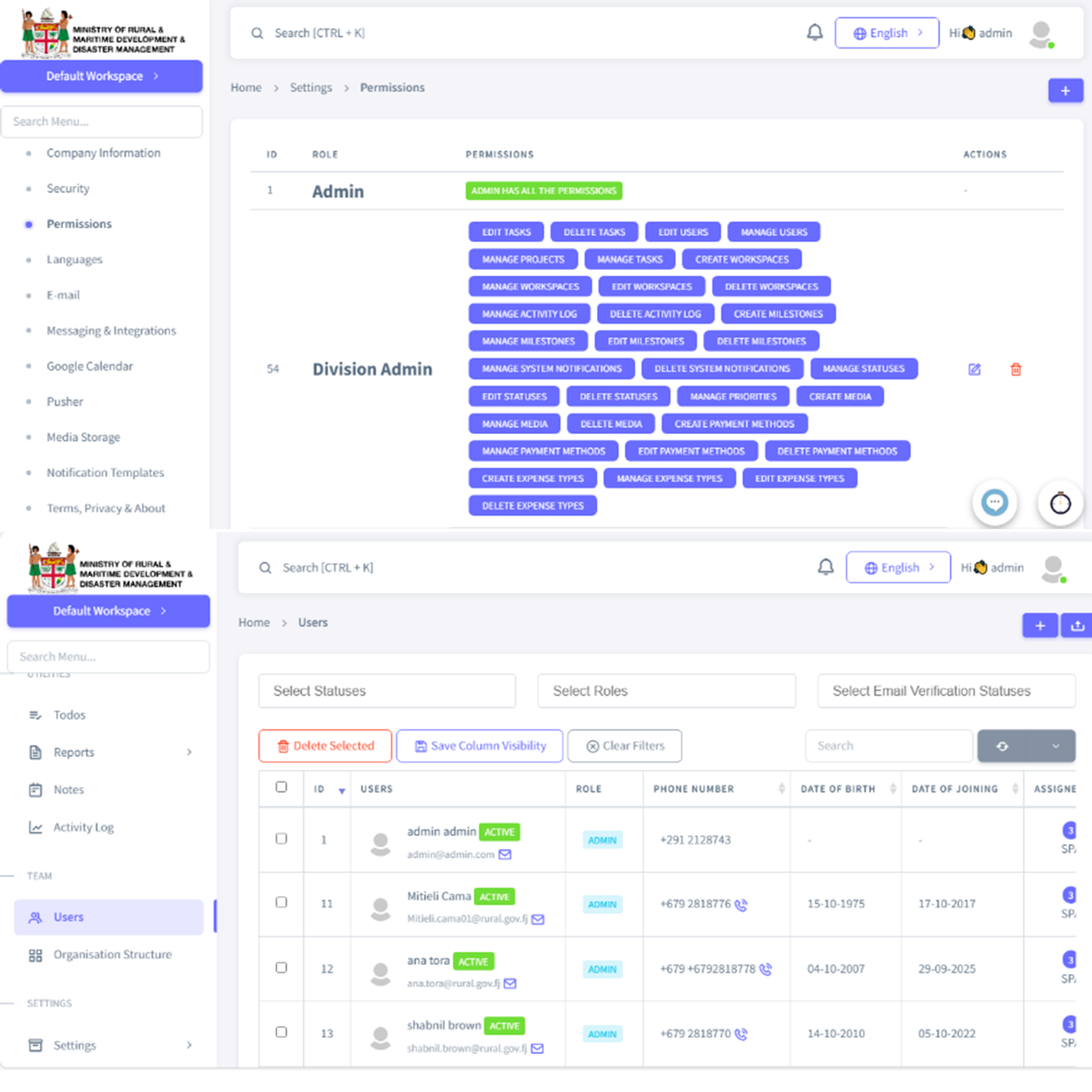
User Management can manage the different users of the system. You can add, edit, and delete users. There are other relevant processes, like the email environment and access status, as well. Additionally, Role and Permission Management can add, edit, and delete the Roles and their permissions.
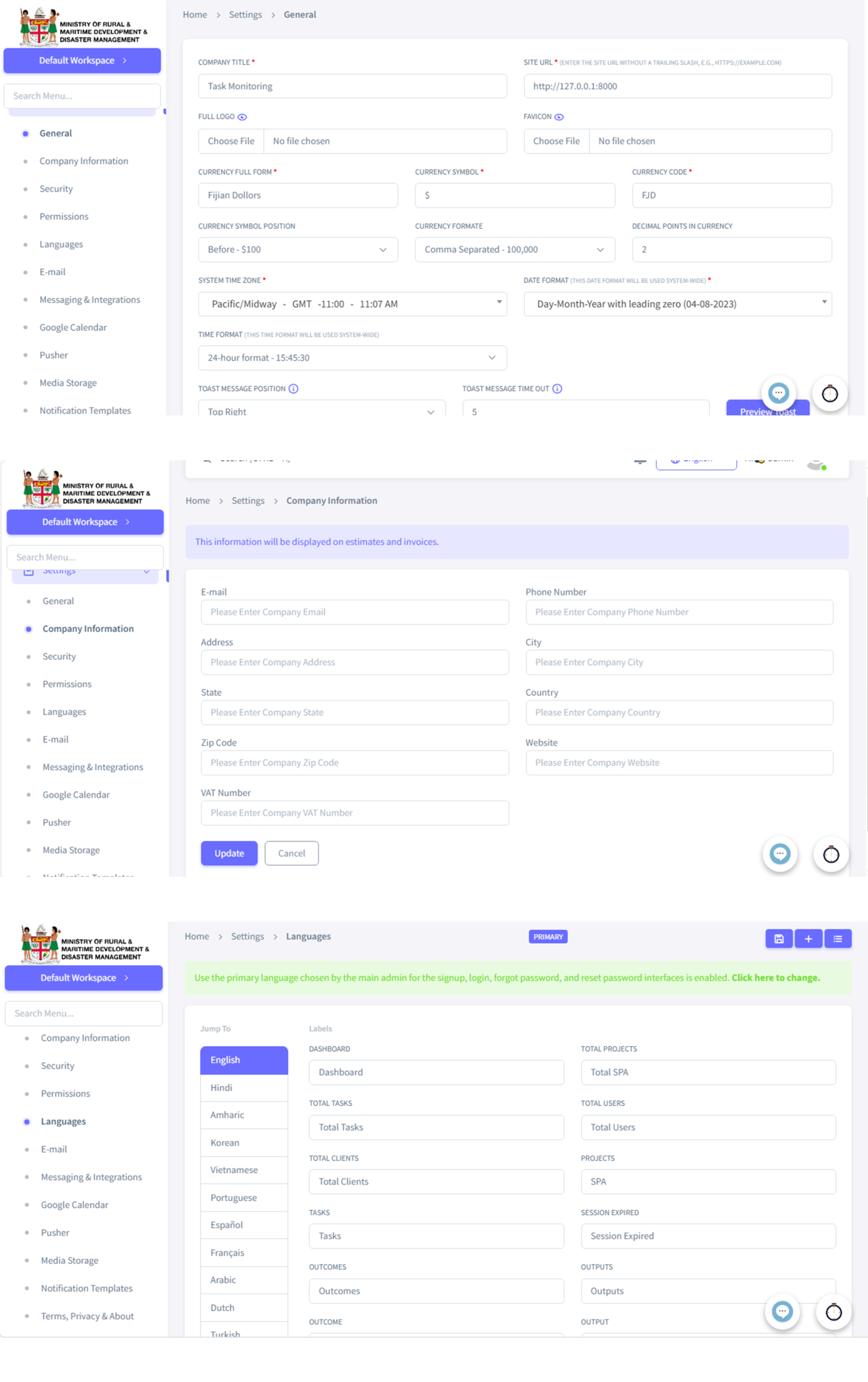
You can manage settings and system detail. For e.g. General Settings manage basic configuration like title, currency, date, time, certain text, etc., used by the system; Company Information setting Can manage and edit company information within the system. It is used in specific areas like invoices; Language Management allows you to assign the text used in the User Interface. For example, changing the “Dashboard” label will be reflected everywhere it is written dashboard, like the Sidebar menu. You can even add the text for a different language if the user wants to use a different language. There are other settings you can manage, like Email templates, Media Storage, Terms, Privacy, and About, and more.